Block Spam Calls: Guide for iPhone & Android
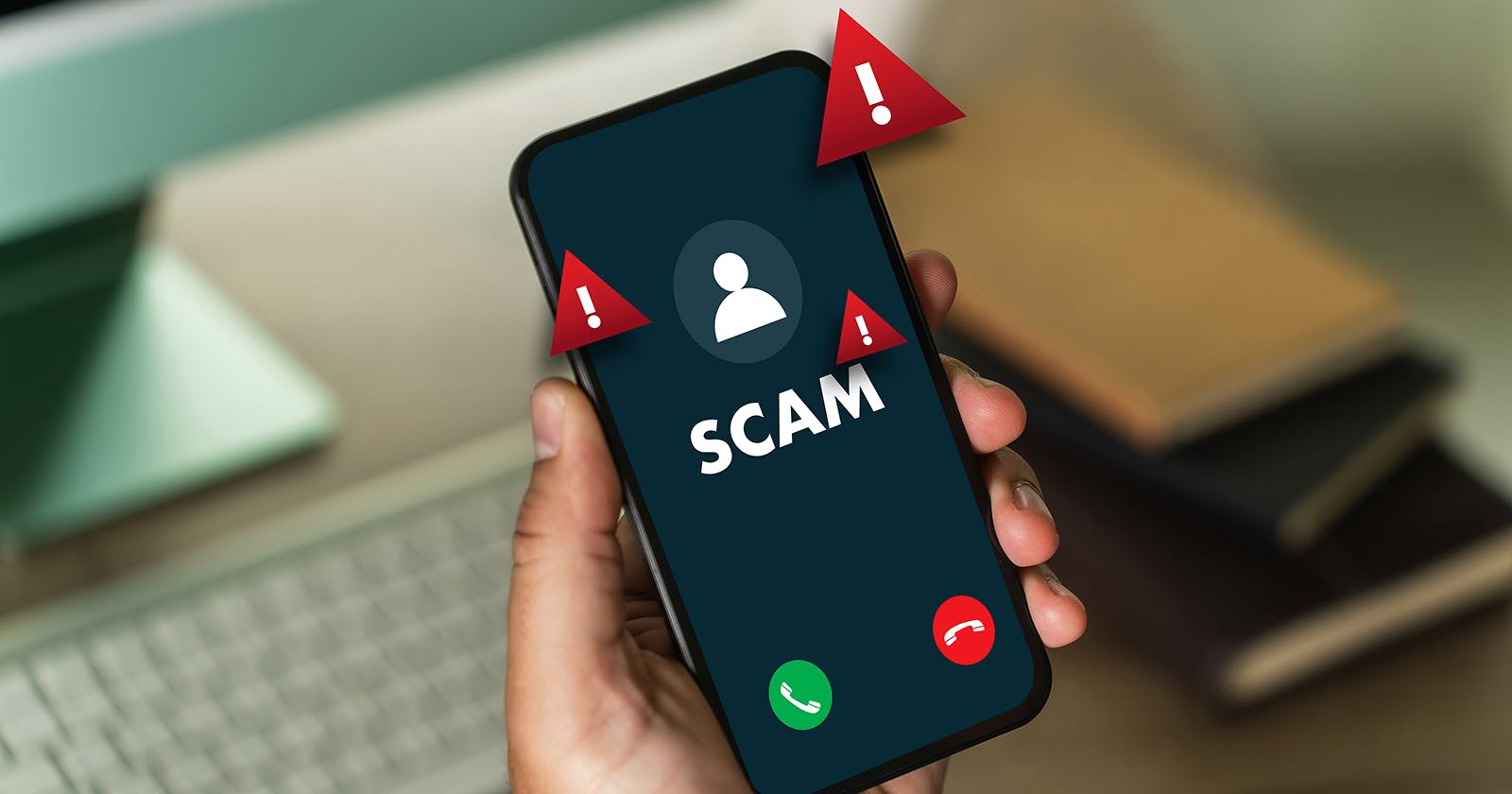
«Who called?» – and once again, it’s an unknown number. Spam and sales calls are increasing. Many are annoying, and some are even fraudulent. Fortunately, you can protect yourself easily.
13.02.2025 | Reading time: 3 minutes
What Are Spam Calls?
Spam calls include:
- Unwanted advertising calls
- Scam attempts
- Automated robocalls
- Anonymous calls
Their goal is usually to sell something or steal your personal data.
Blocking Numbers on iPhone
How to block calls on iPhone:
- Open the Phone app
- Select «Recent Calls»
- Tap the «i» next to the number
- Choose «Block this Caller»
Silence Unknown Callers
Go to: Settings → Phone → Silence Unknown Callers
Unknown numbers will be muted automatically.
Blocking Spam Calls on Android
Depending on the manufacturer, steps may vary. Usually:
- Open the Phone app
- Press and hold the number
- Select «Block»
Activate Spam Filter
Many Android devices offer:
- «Detect spam»
- «Block unknown calls»
You can find these options in the Phone app settings.
Blocking Anonymous Calls
Anonymous numbers can often be blocked directly.
iPhone
Settings → Phone → Silence Unknown Callers
Android
Phone app → Settings → Blocked numbers → Block unknown
This way, you won’t be disturbed anymore.
Use External Protection Services
Many providers offer additional filters.
Yallo provides information here: yallo - Call Filter: Block unwanted calls
These systems automatically detect and block spam in the background.
What to Do About Scam Calls
If a call seems suspicious:
- Don’t share personal data
- Don’t call back
- Block the number
- Report it if necessary
Legitimate companies never ask for passwords or codes by phone.
Conclusion: Peace and Quiet at Last
With the right settings, you can effectively stop spam and scam calls.
Whether on iPhone or Android: blocking numbers, activating filters, and staying alert will bring more peace to your daily life.